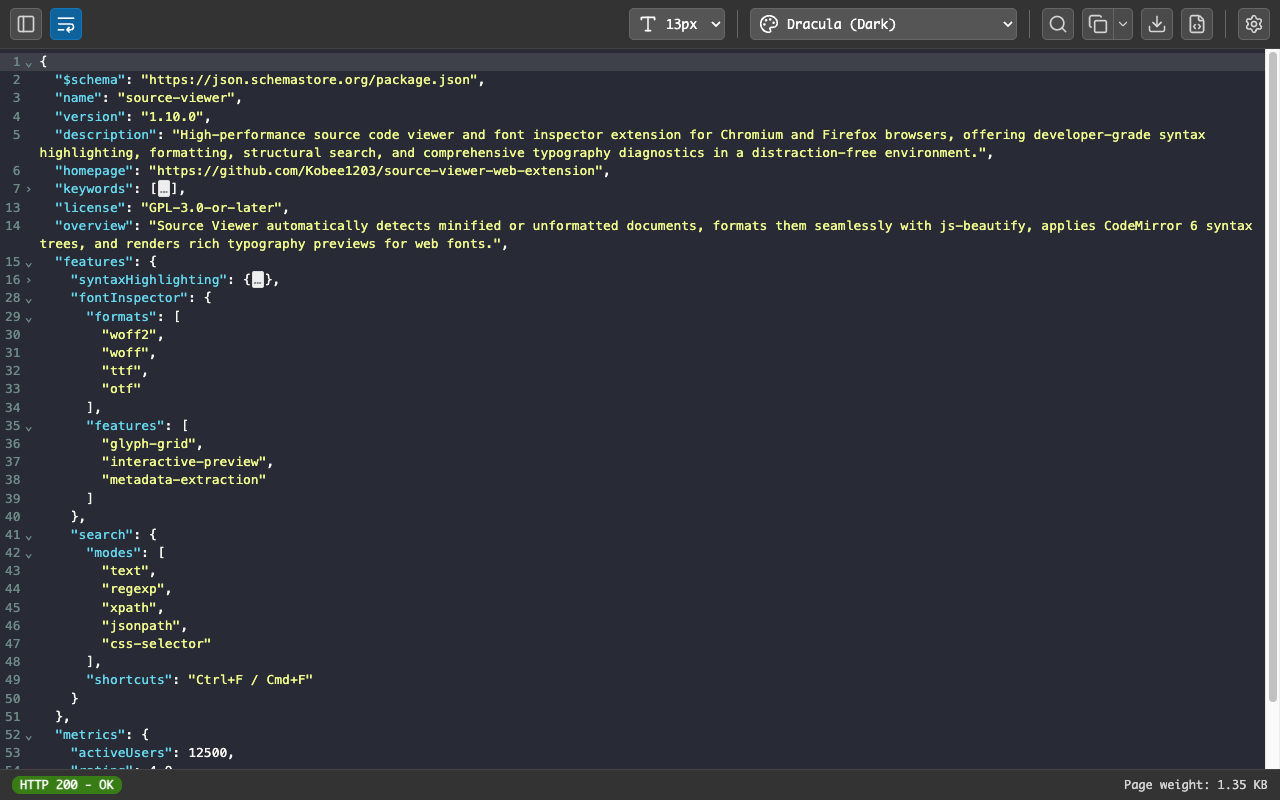
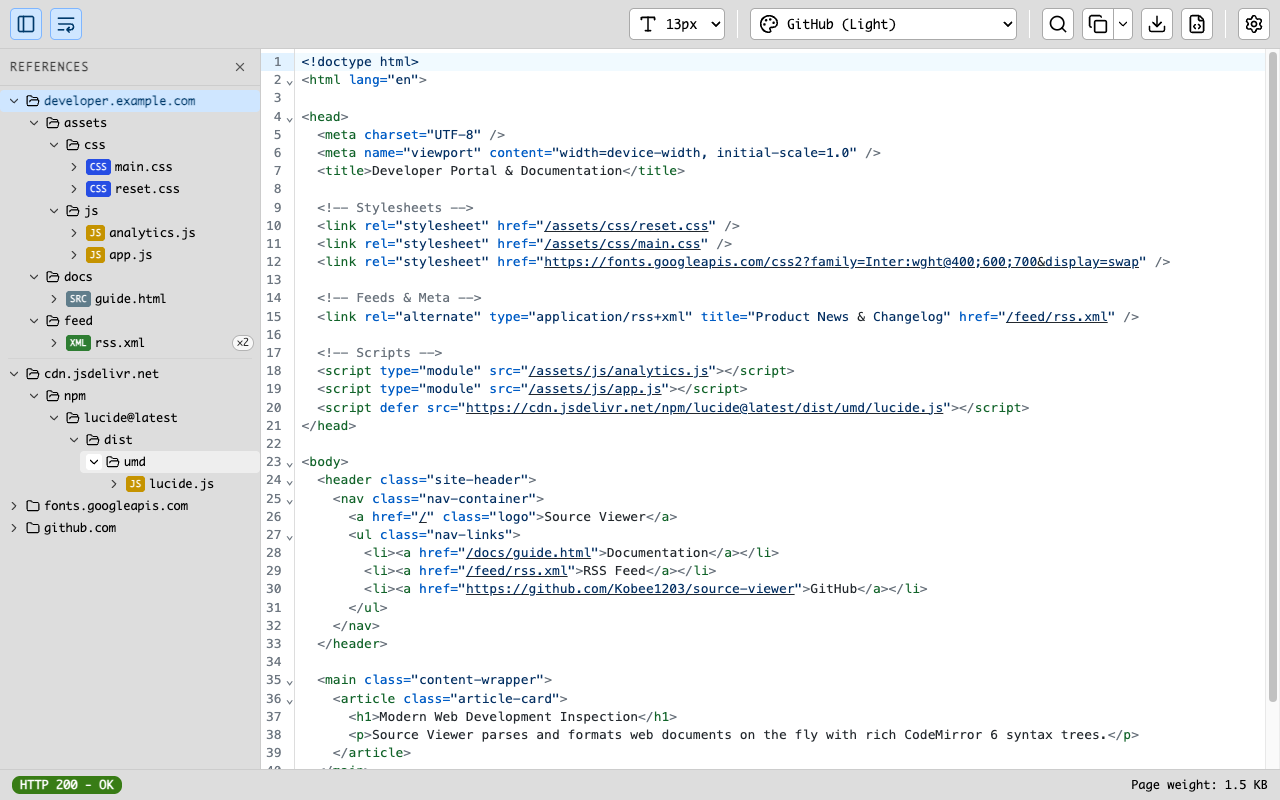
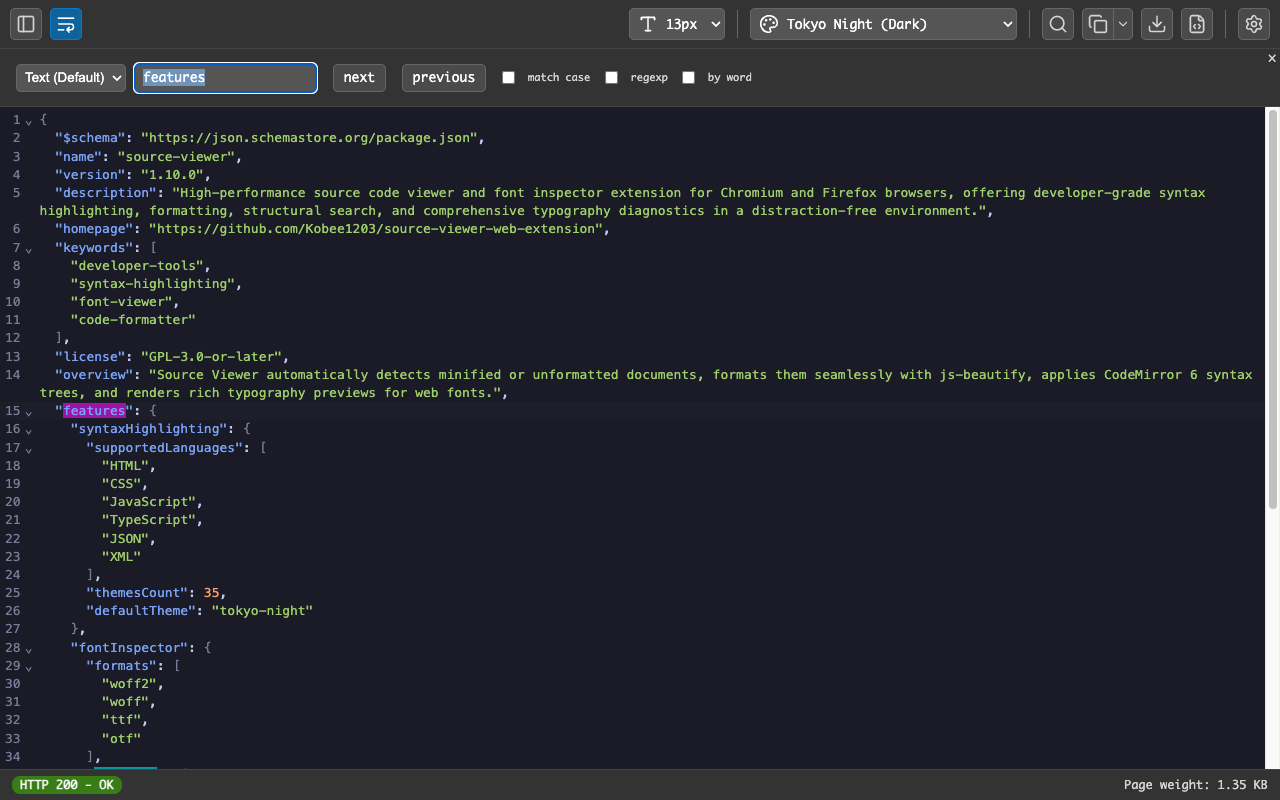
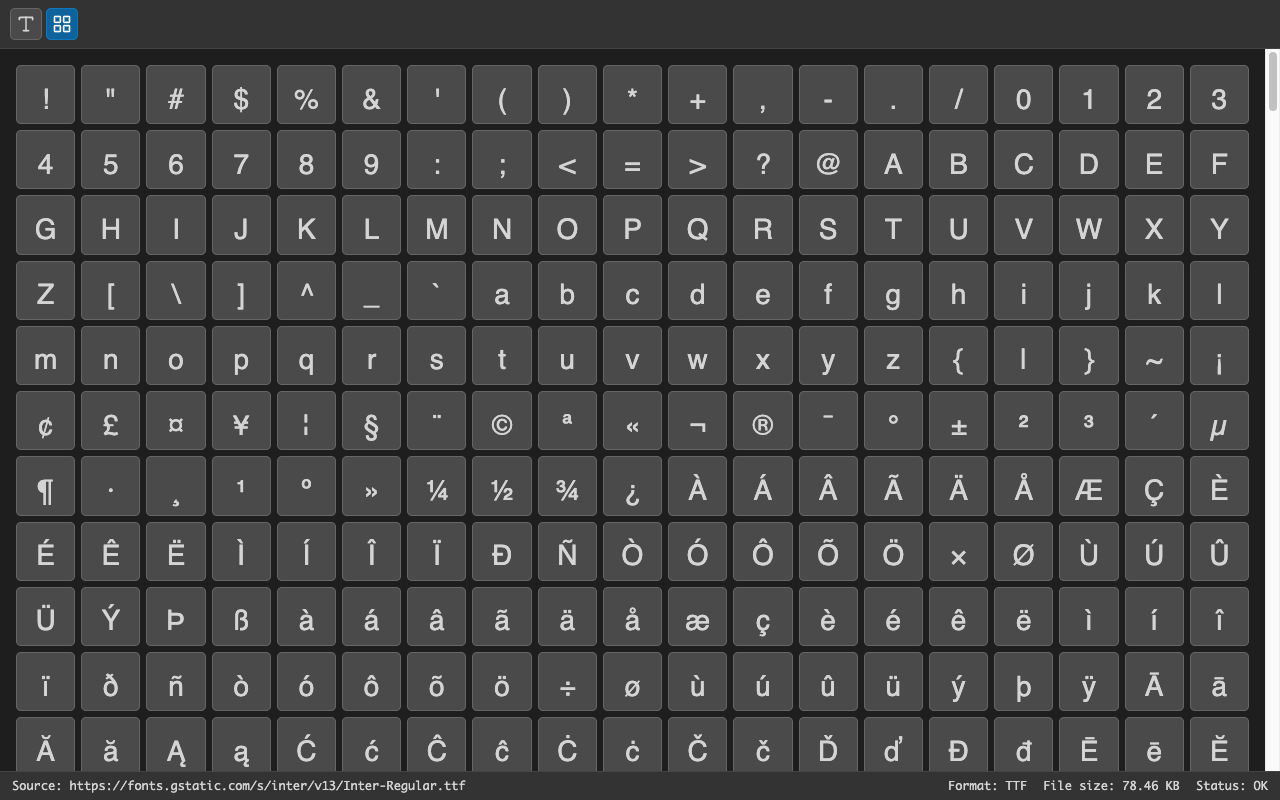
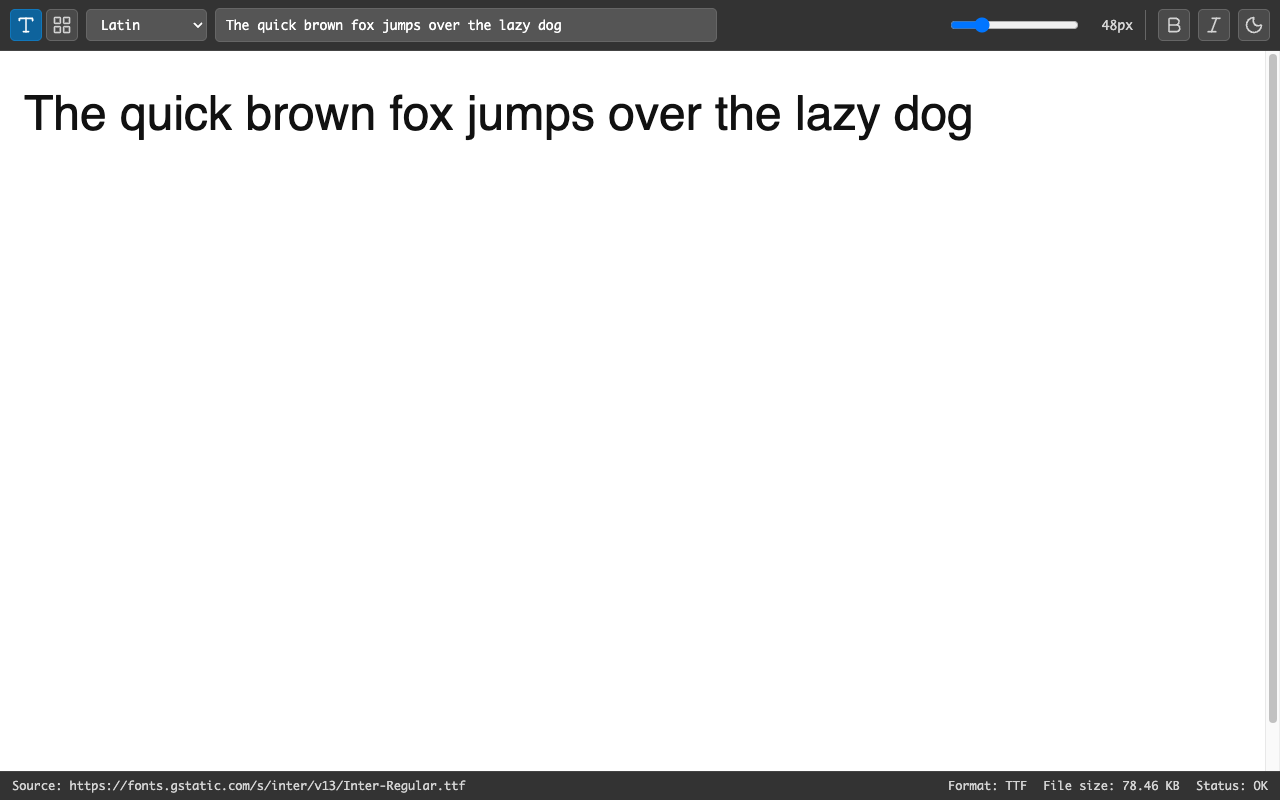
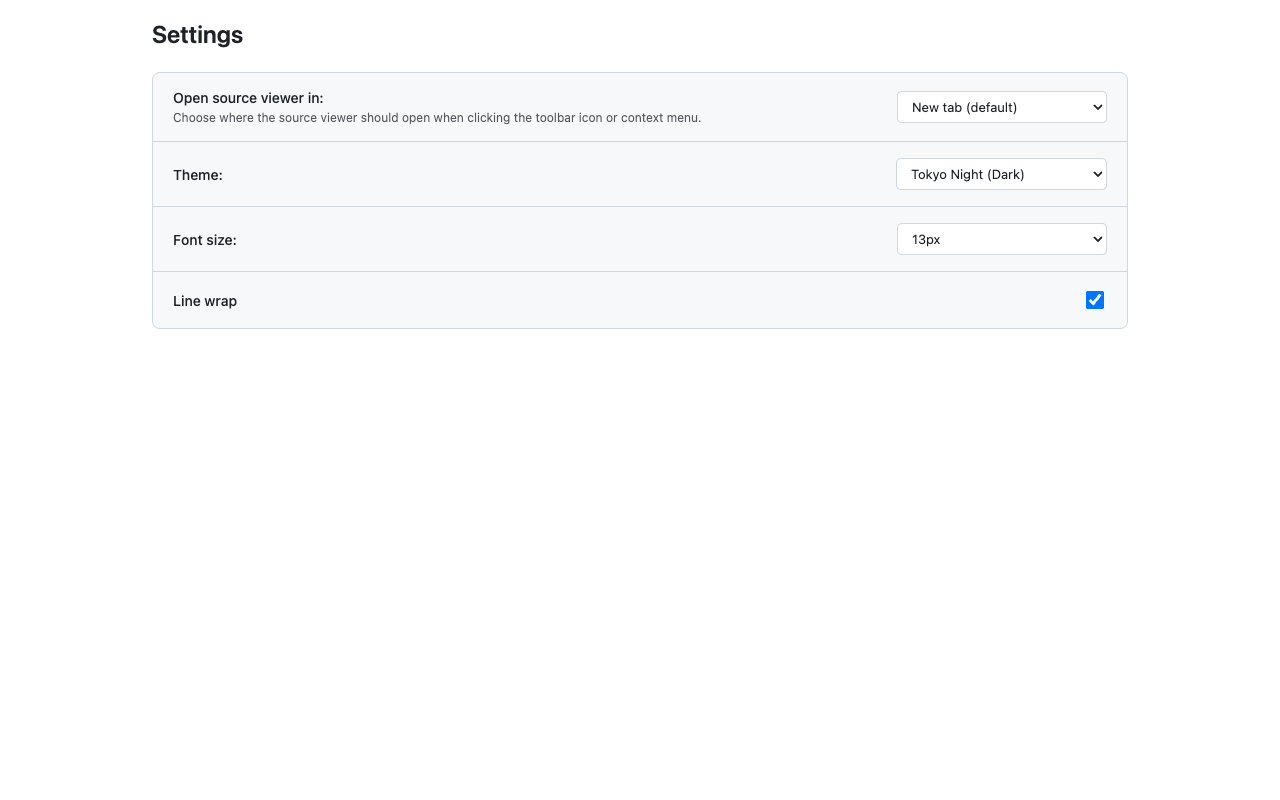
// screenshots & demo
Watch the extension transform raw browser source into beautifully highlighted, readable code.
// more screenshots available on the Chrome Web Store listing ↗
// features
Built for developers who spend time reading source code. No bloat, no tracking, no nonsense.
Automatic language detection with beautiful, readable colorization for HTML, CSS, JavaScript and more.
Minified or unformatted source gets automatically indented and structured for maximum readability.
Right-click any page and select "View Source" to instantly open the formatted viewer. No extra steps.
One-click access directly from the Chrome toolbar — view the current page's source without leaving the tab.
// how it works
Simple, fast, and always available — exactly where you expect it.
Add Source Code Viewer from the Chrome Web Store. One click, no setup required.
Navigate to any website. Right-click anywhere on the page and choose "View Page Source" from the context menu.
Source Code Viewer opens the page source with full syntax highlighting and clean formatting.
// get started
Free. Open source. No account needed. Install in seconds.