// screenshots & demo
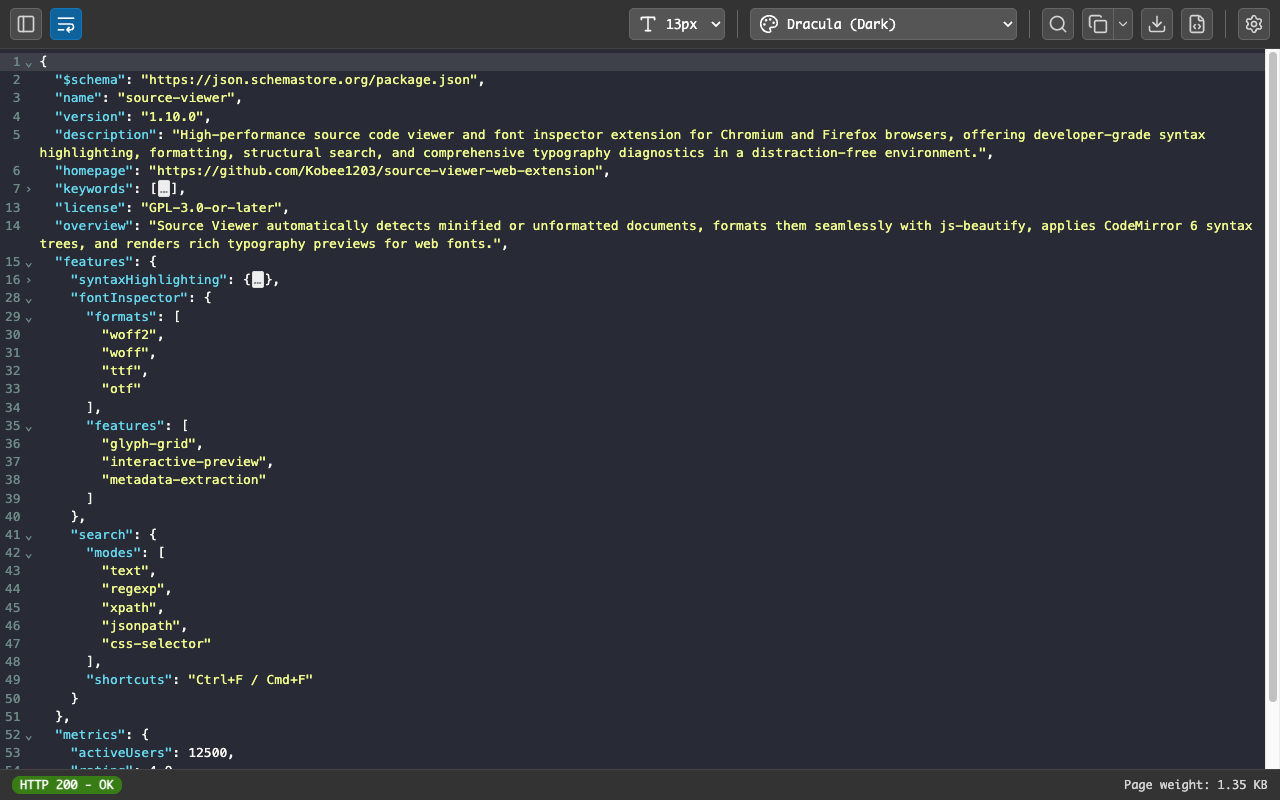
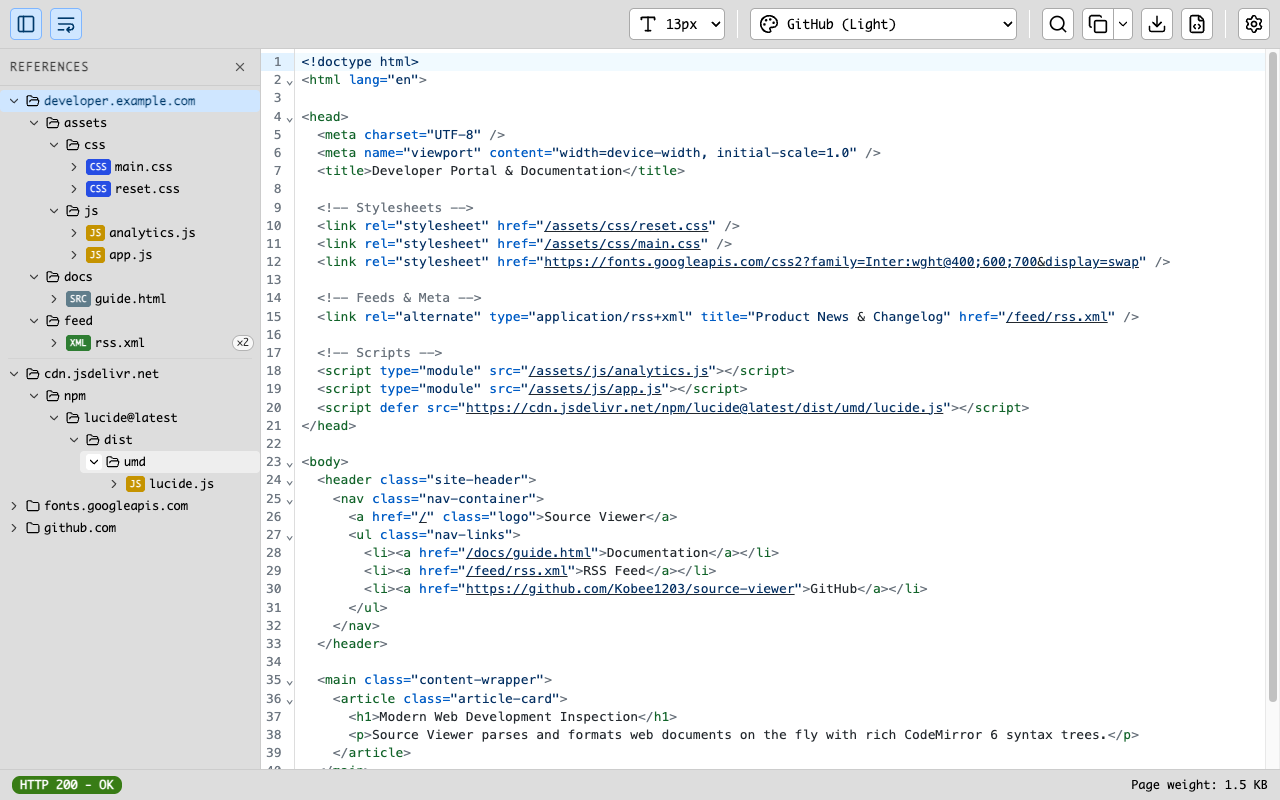
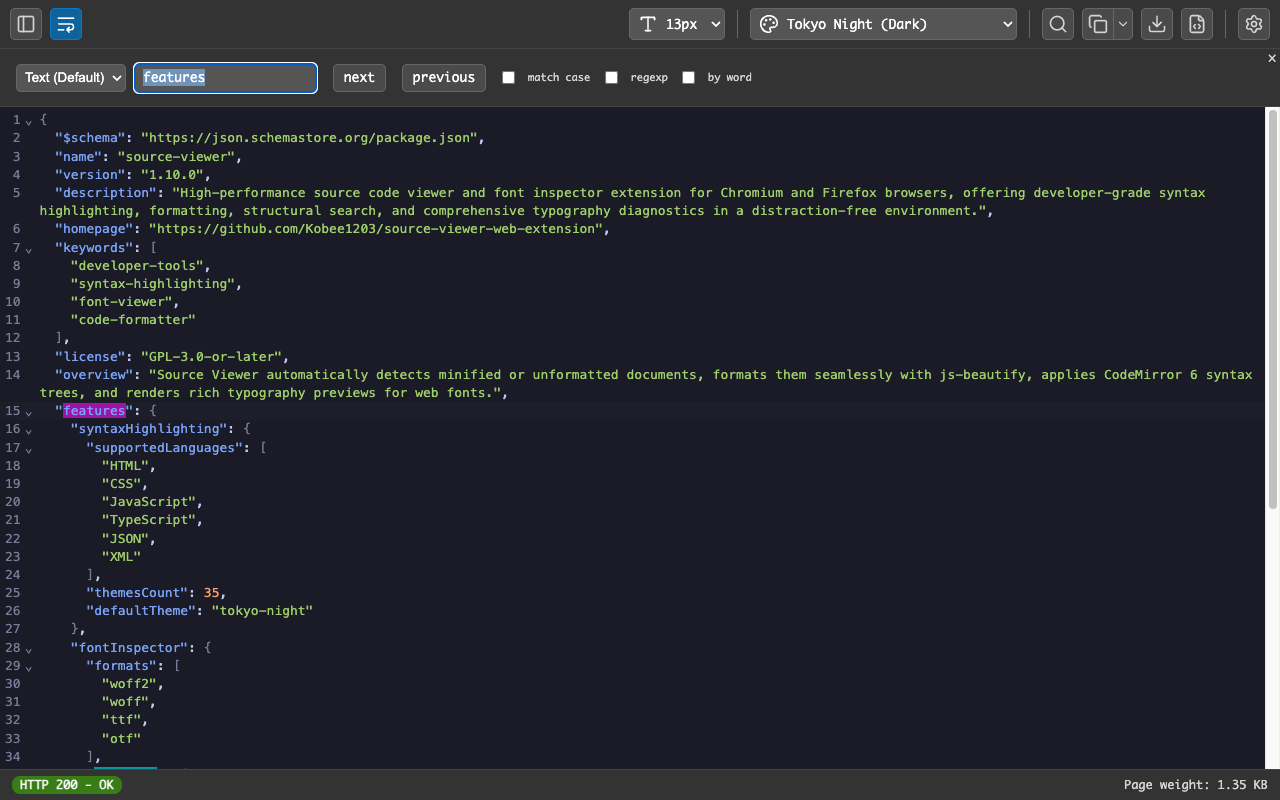
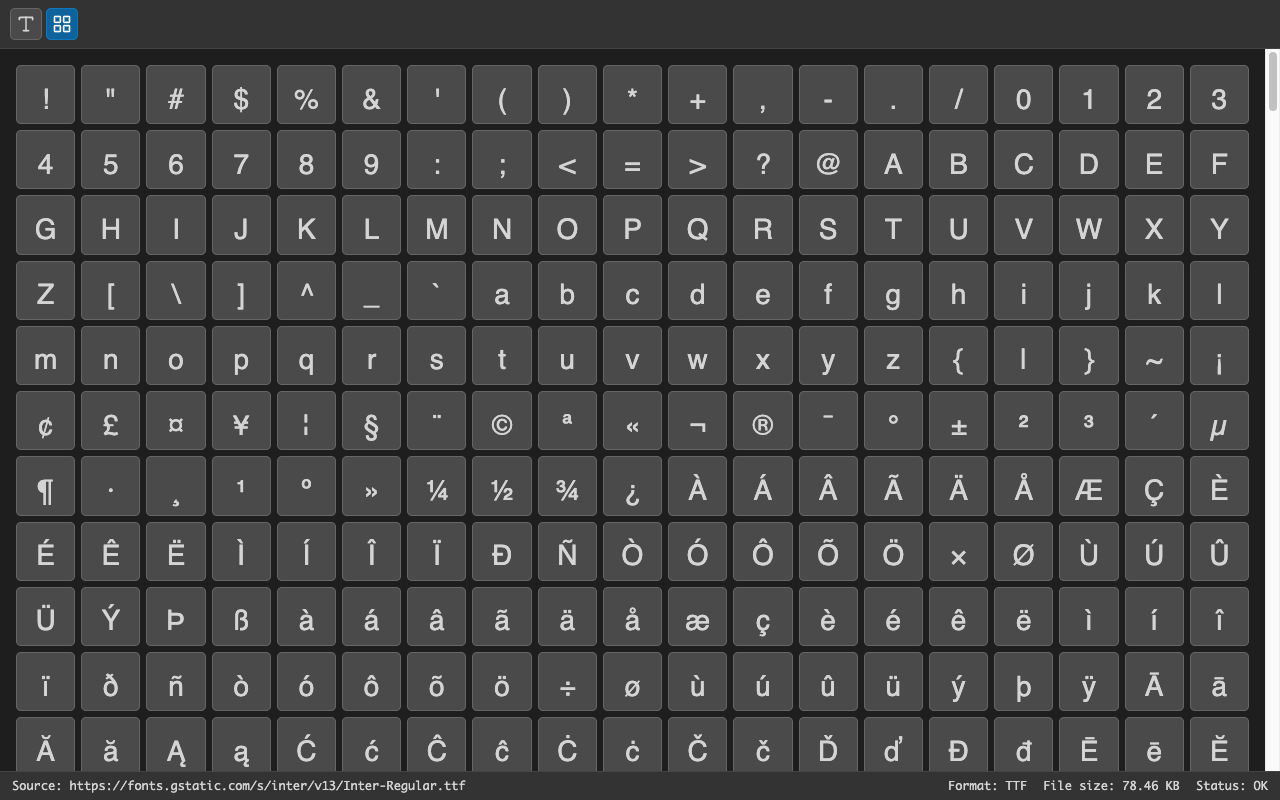
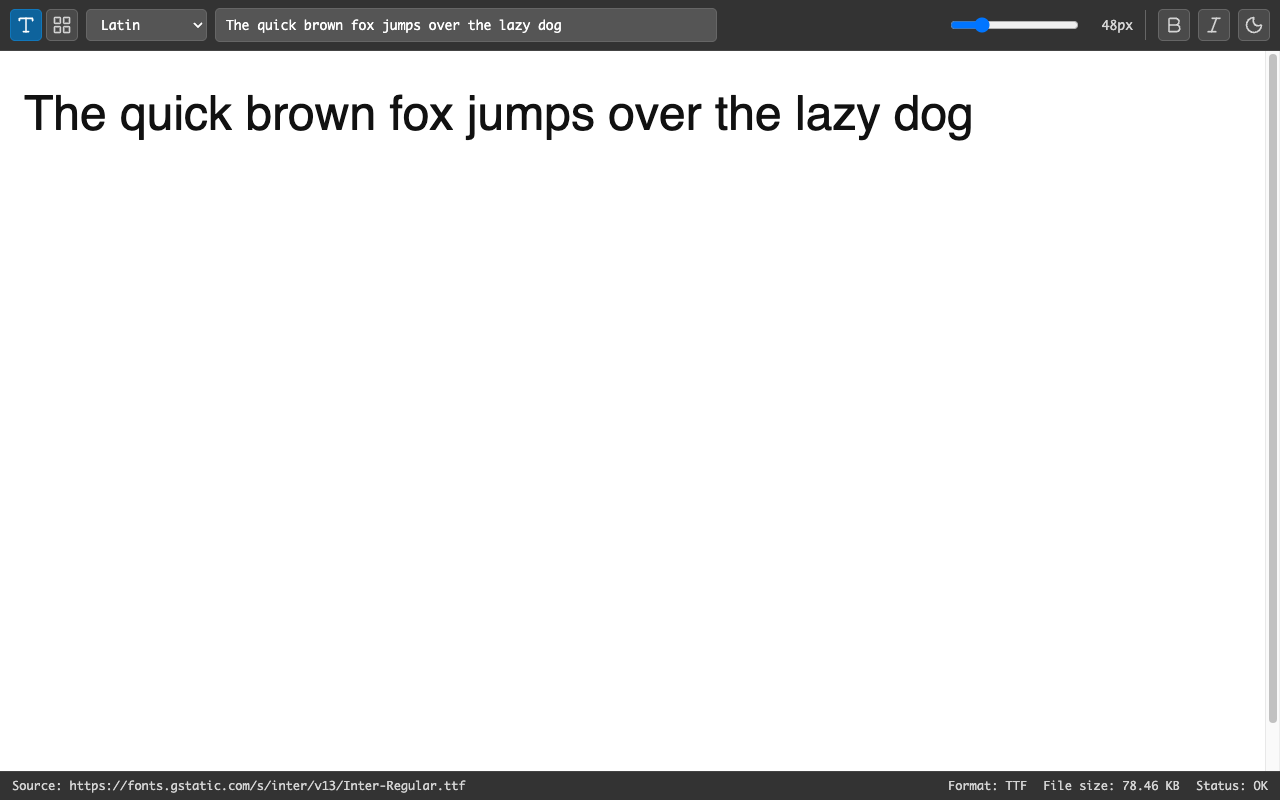
Watch the extension transform raw browser source into beautifully highlighted, readable code — and preview web fonts, glyph by glyph.
// More details available on the Chrome Web Store or Firefox Add-ons ↗
// features
Built for developers who spend time reading source code. No bloat, no tracking, no nonsense.
Automatic language detection with beautiful, readable colorization for HTML, CSS, JavaScript, JSON and XML.
Minified or unformatted source gets automatically indented and structured — even when you open a raw file directly.
Open a web font (woff2, woff, ttf, otf) to preview it with your own text, size, weight and style — plus a glyph grid you can copy from.
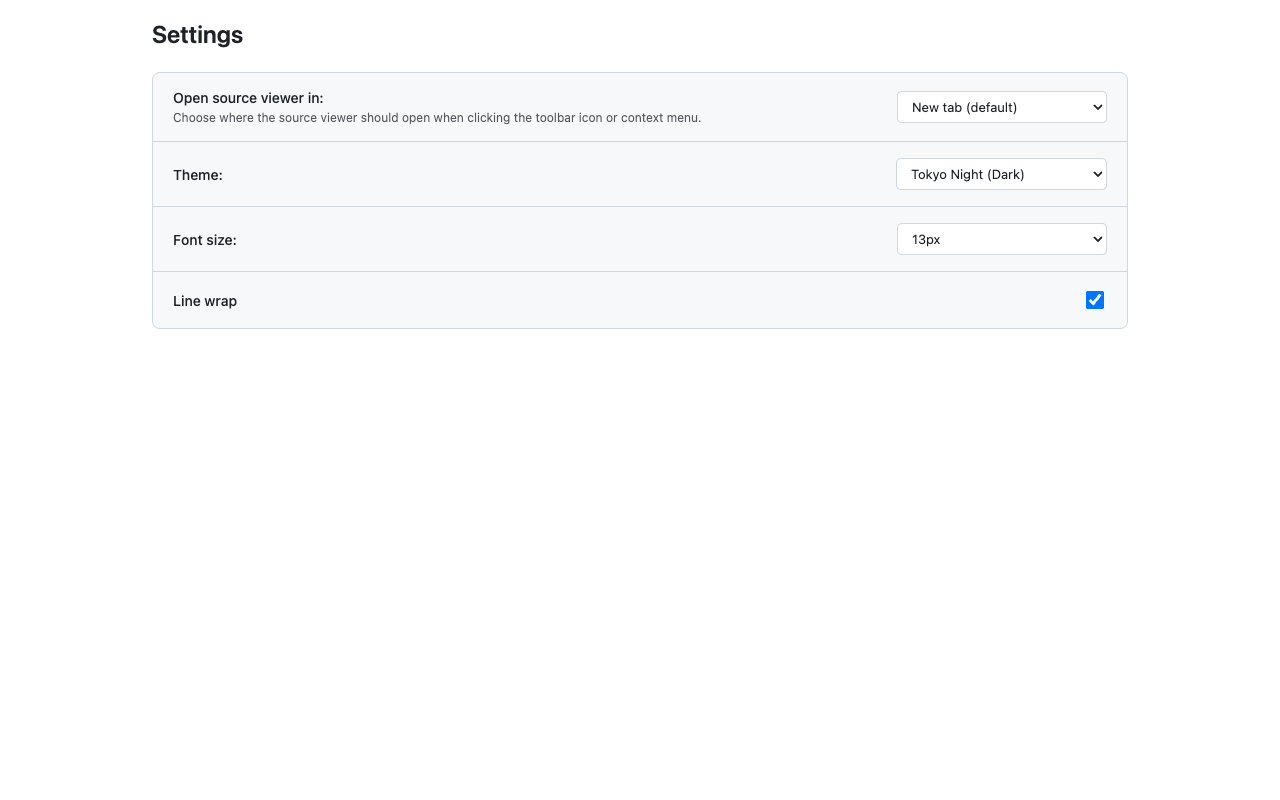
Dozens of light and dark themes, with word wrap, line numbers and code folding for comfortable reading.
Jump between resources without leaving the viewer — links are routed by type, and images open in the browser.
Right-click "View Source" or click the toolbar icon to open the formatted viewer. No extra steps.
// how it works
Simple, fast, and always available — exactly where you expect it.
Add Source Code Viewer from the Chrome Web Store or Firefox Add-ons. One click, no setup required.
Navigate to any website. Right-click anywhere on the page and choose "View Page Source" from the context menu.
Source Code Viewer opens the page source with full syntax highlighting and clean formatting.
// get started
Free. Open source. No account needed. Install in seconds.